Delete Volume
A local volume can only be deleted together with the server to which it is attached.
Network volumes can be deleted together with an instance or detached from an instance and deleted separately.
If you delete a volume, the data cannot be recovered. We recommend making a backup of your data before deleting a volume. Create a volume image or create another volume from this volume. Volume snapshots will be deleted along with the volume.
If the volume you want to delete is a secondary volume in the instance or is not attached to one:
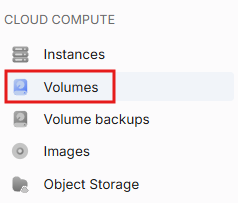
- Go to Volumes.
Via context menu:
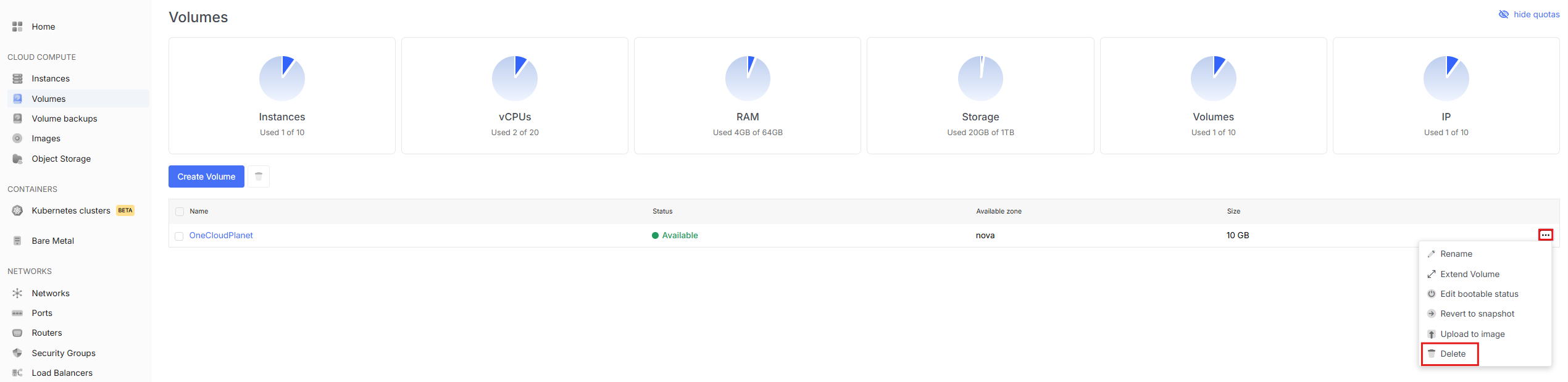
In the list of network volumes, find the desired volume.
Expand the context menu of the volume.
Select the Delete action.
If the volume you want to delete is the network boot volume:
Deleting a network boot volume is only possible by deleting the instance to which this volume is attached.