Working with Backups
Rename Backup
- To rename a backup, select the appropriate item in the dropdown menu:

- Enter the new name and click Edit
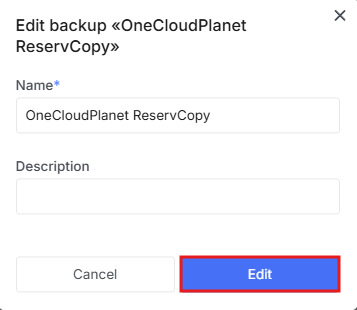
- You can also change the description if needed.
Restore Backup
Warning!
When restoring, the current data on the disk will be overwritten!
- To restore a disk from a backup, select the appropriate item in the dropdown menu:

- In the new window, select which disk to restore and click the corresponding button.
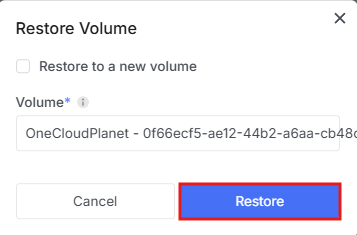
- If you select Restore to a new volume, a separate new disk will be created with the backup data, leaving the original untouched.
Delete Backup
- To delete a backup, select the appropriate item in the dropdown menu:

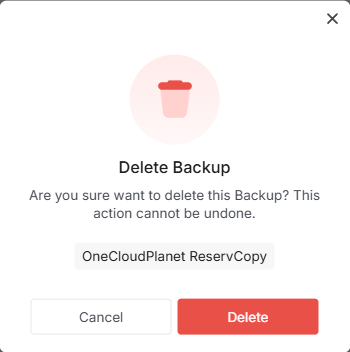
- In the new window, confirm Deletion or cancel the operation.